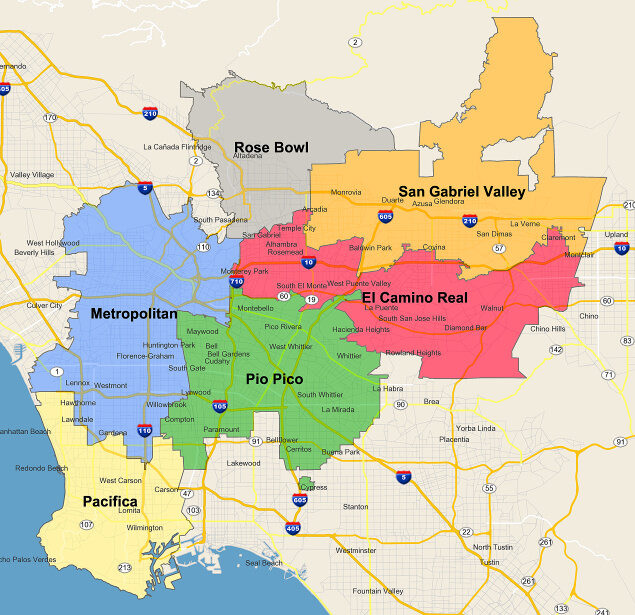
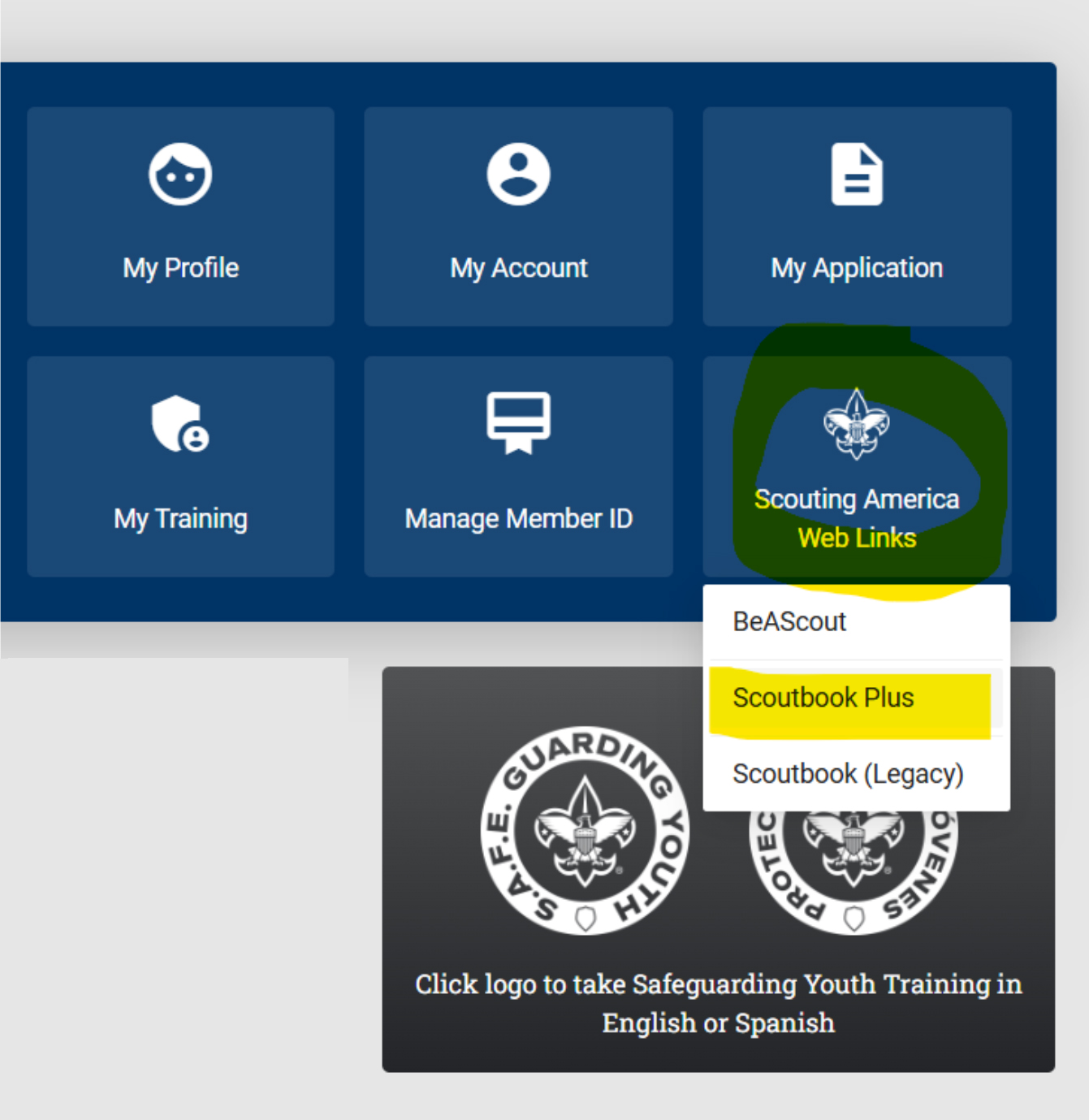
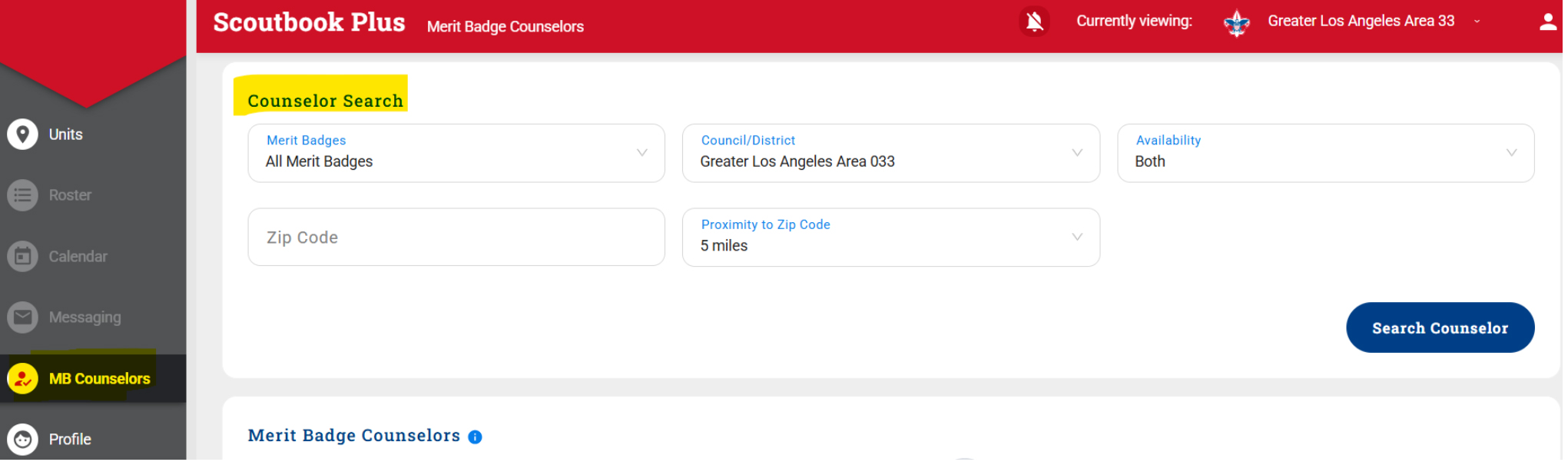
Instructions for Searching for Merit Badge Counselors in Scoutbook Plus Log in to my.scouting.orgClick the blue “Scouting America Web Links” icon.Select “Scoutbook Plus” and log in if prompted.In the left-side menu, click “MB Counselors.”Enter your ZIP code, search radius (proximity), merit badge name, and district.Click “Search Counselor” to view available Merit Badge Counselors in your area.